Squeeze Interaction
Materializing emotional relaxation into a tangible, sensory loop.
01 / Project Overview
Squeeze Interaction is a pressure-based interactive prototype that explores how physical touch can trigger calming audiovisual feedback. The user interacts with a soft, pillow-like object by squeezing or pressing it. As pressure changes, the system responds through real-time visuals and subtle sound, creating a direct connection between bodily action and sensory feedback.
The project focuses on one simple interaction: applying and releasing pressure. Instead of treating touch as a button-like input, the prototype uses pressure as a gradual signal. This makes the experience feel continuous, bodily, and emotionally responsive.
02 / Prototype Form
The prototype uses a soft physical object as the main interaction interface. Its pillow-like form makes the interaction feel approachable rather than technical. A load cell is integrated beneath the soft object to detect changes in force. The sensor data is then sent to the digital system and translated into real-time visual and sound feedback.
The physical form is intentionally simple. The user does not need to learn a complex interface. They only need to touch, squeeze, and release. This keeps the focus on the relationship between pressure, feedback, and emotional state.
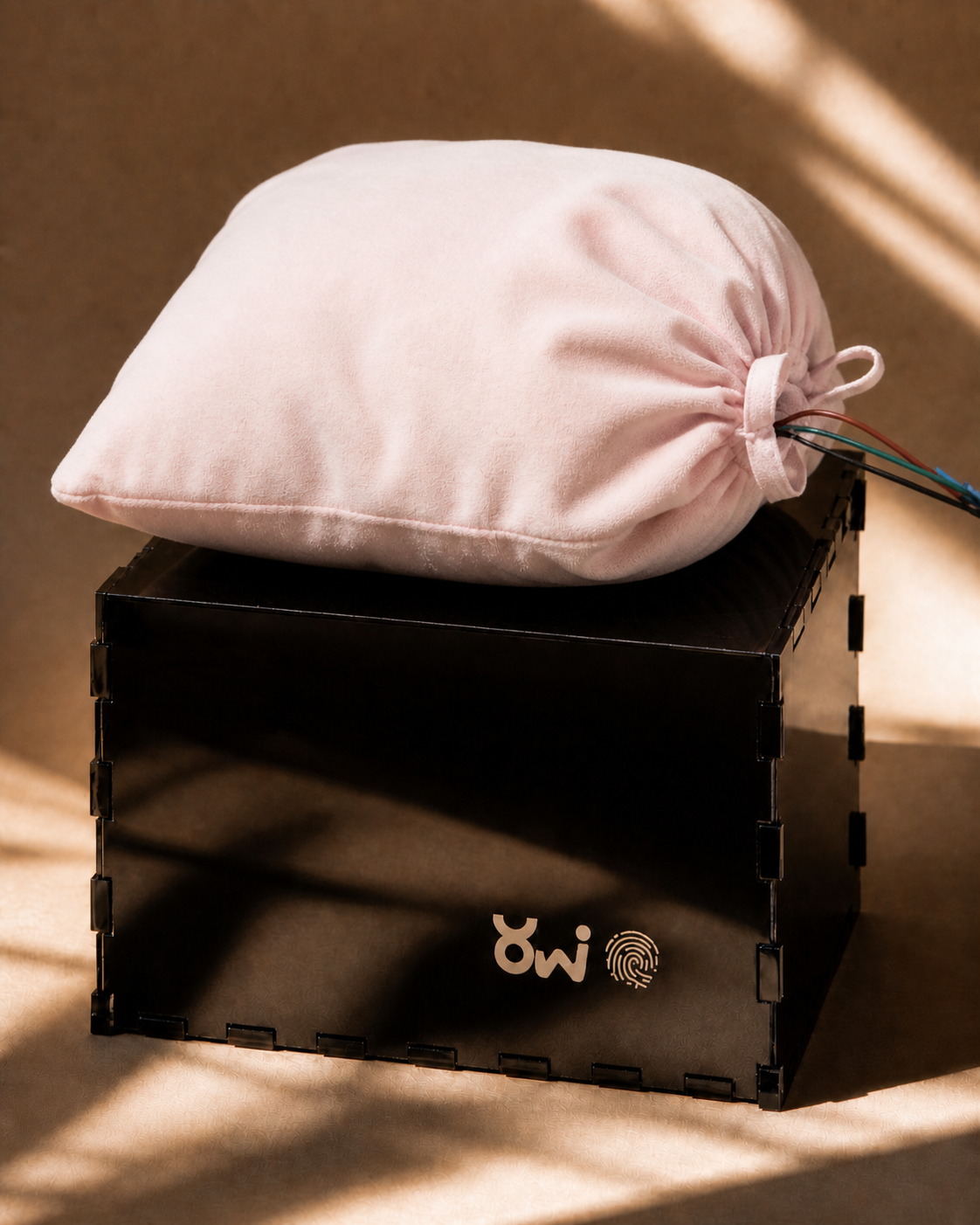
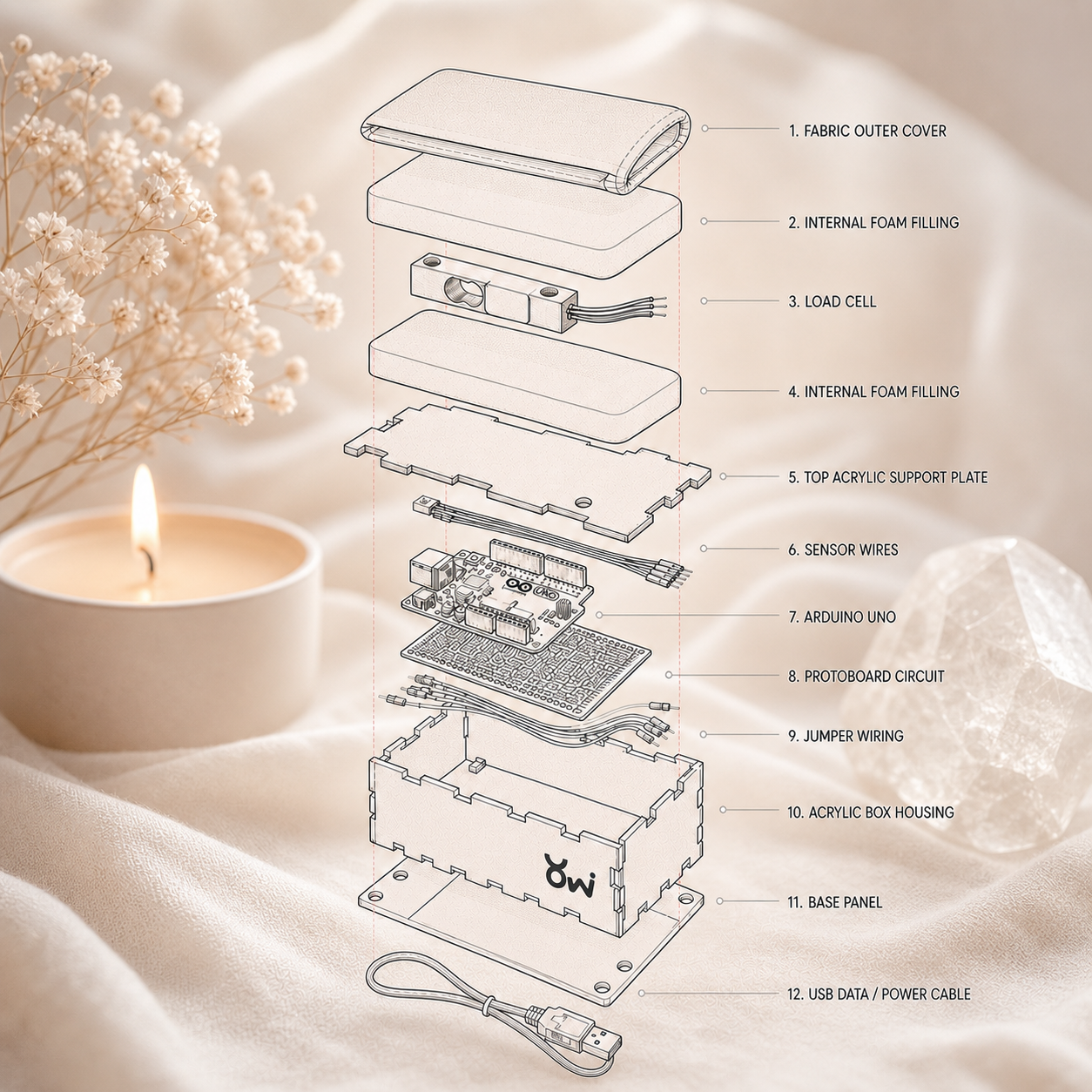
Outer Form & Internal Sensor Integration
03 / Interaction Logic
The interaction is built around three basic states, mapping physical pressure to sensory feedback.
Idle State
When no pressure is applied, the system remains in a calm baseline state. The visuals stay subtle, and the sound remains minimal.
Pressure State
When the user squeezes or presses the object, the pressure value increases. This input affects the visual behavior in real time. Stronger pressure creates a more active visual response.
Release State
When the user releases pressure, the system gradually returns to a calmer audiovisual state. This slow transition gives the interaction a sense of recovery rather than an abrupt stop.
04 / Visual and Audio Feedback
The visual feedback is generated in TouchDesigner and responds to pressure input in real time. When pressure increases, the visuals become more active, expanded, or intense. When pressure decreases, the visuals slow down and return to a calmer state.
The sound layer supports the rhythm and mood of the interaction. It does not dominate the experience. Instead, it helps shape the transition between pressure, release, and recovery.
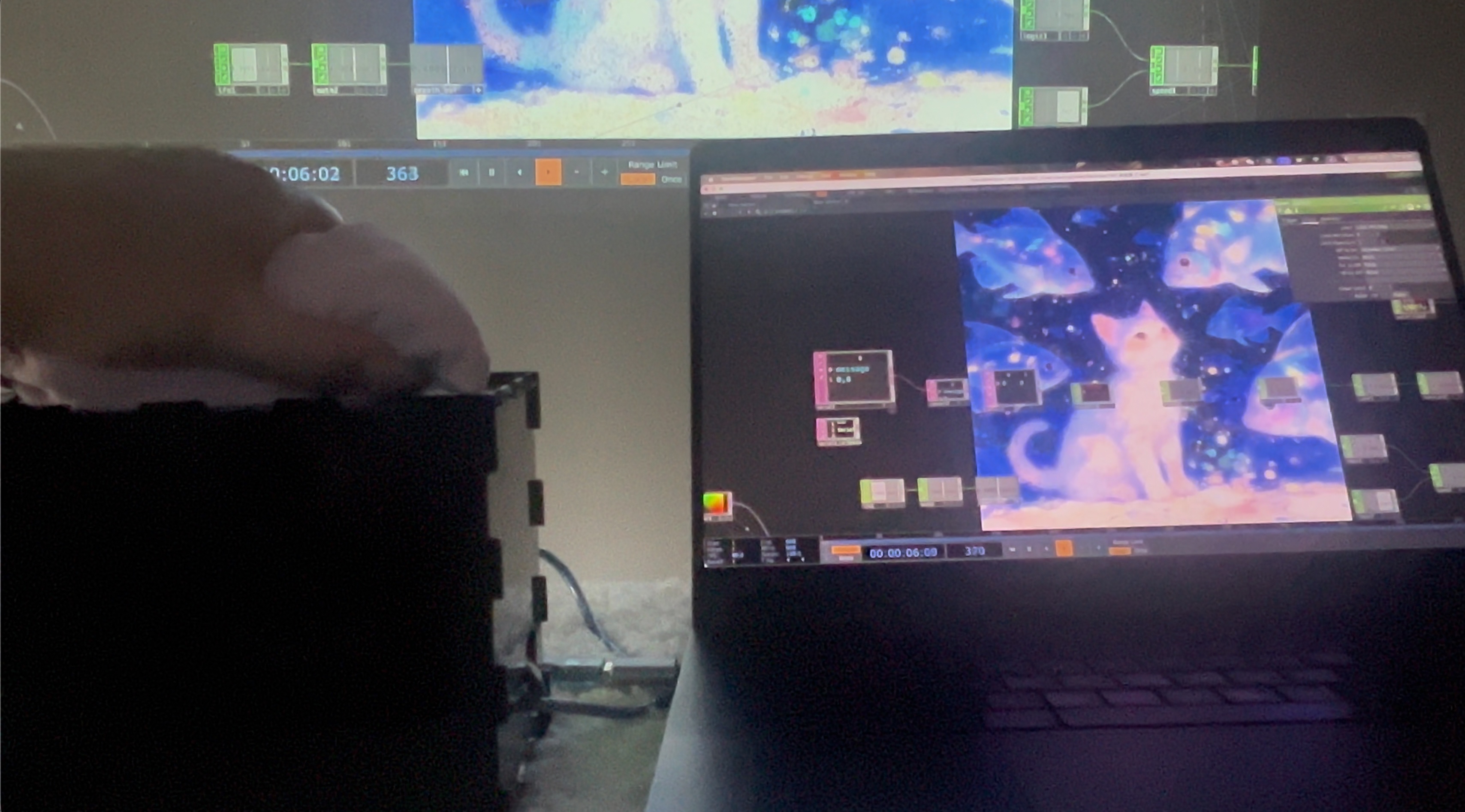
Real-time Node Rendering & Pressure Mapping
05 / User Testing & Design Iteration
Problem
Some users initially interpreted the prototype as a stress-release toy rather than a calming sensory experience.
Insight
The interaction was engaging, but the feedback logic was too direct. A one-to-one intensity mapping encouraged forceful squeezing rather than slow, intentional engagement.
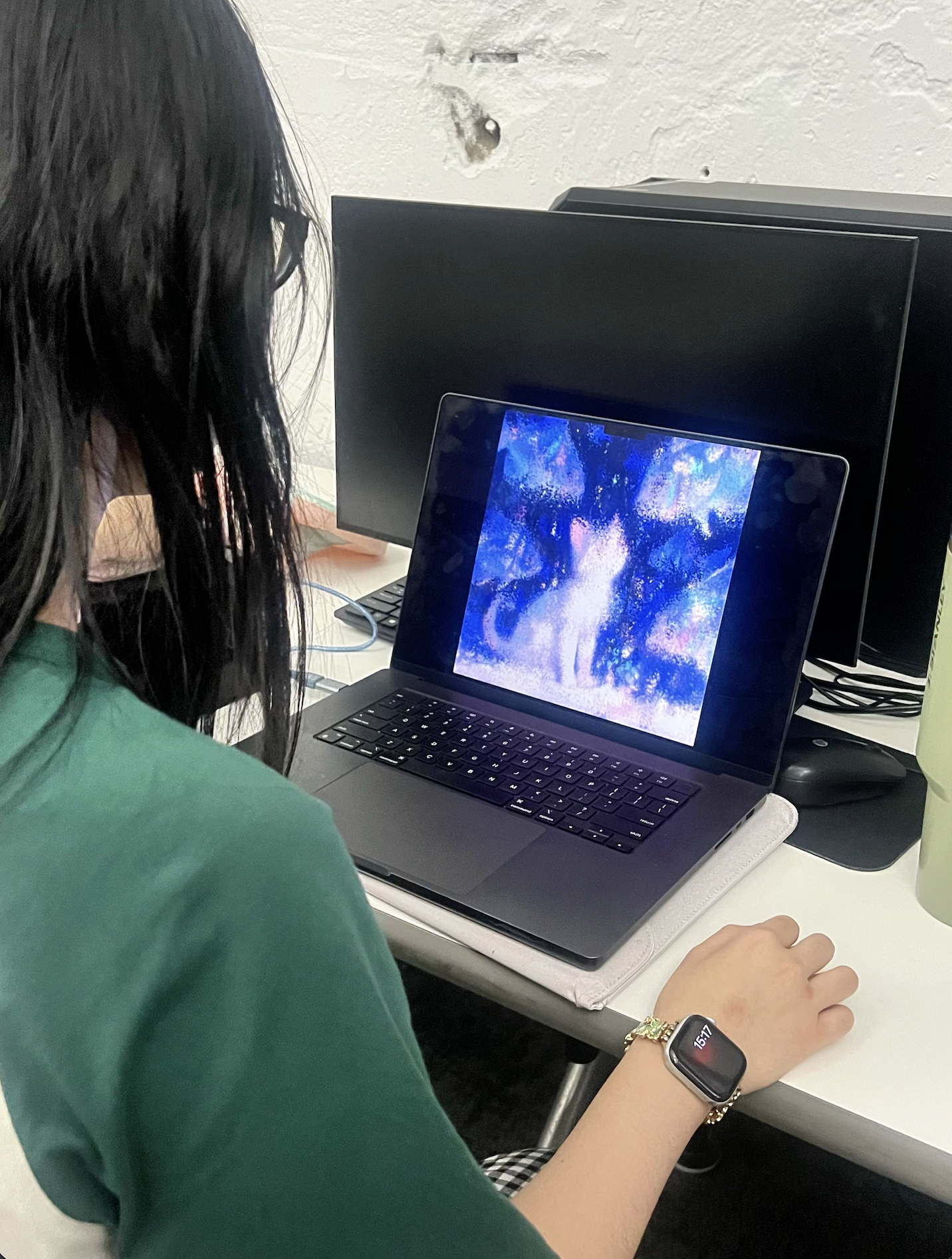
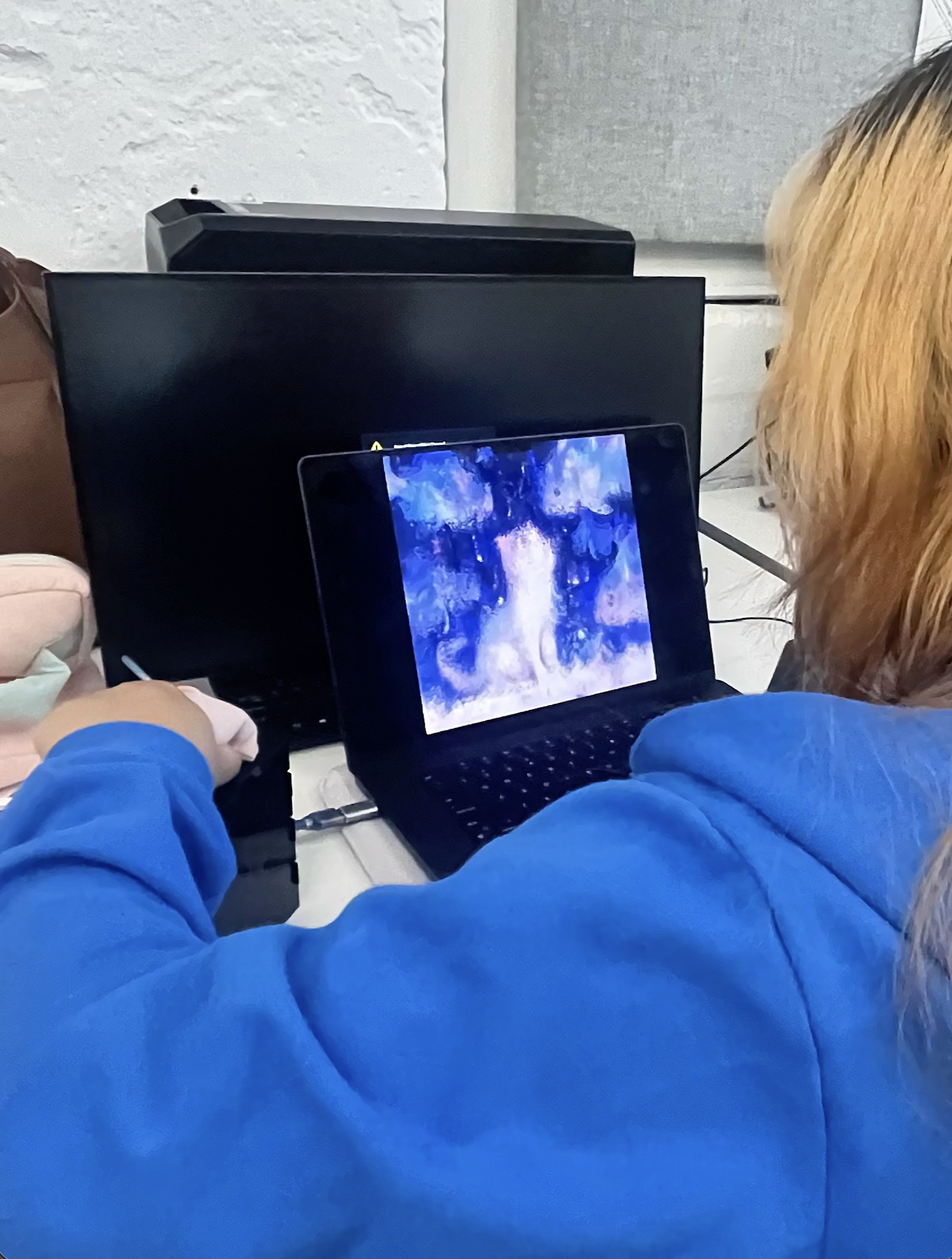
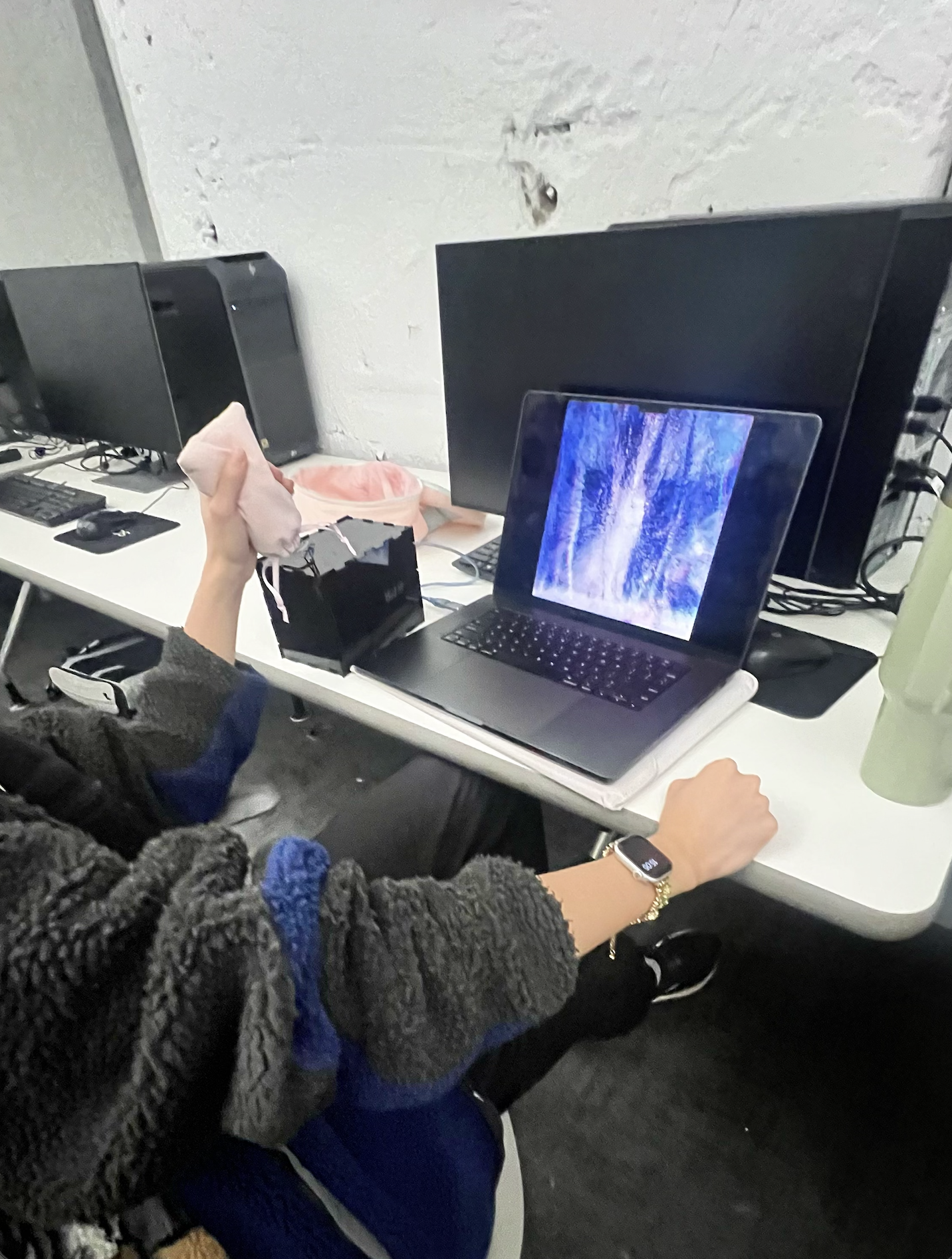
User Observation & Interaction Feedback
Iteration
I kept the core squeeze interaction but redesigned the feedback structure. I slowed down the visual transitions, created calmer release moments, and added a second visual and sound state that rewards sustained, gentle pressure.
Result
The project shifted from a simple release mechanism into a more intentional multisensory calming experience.
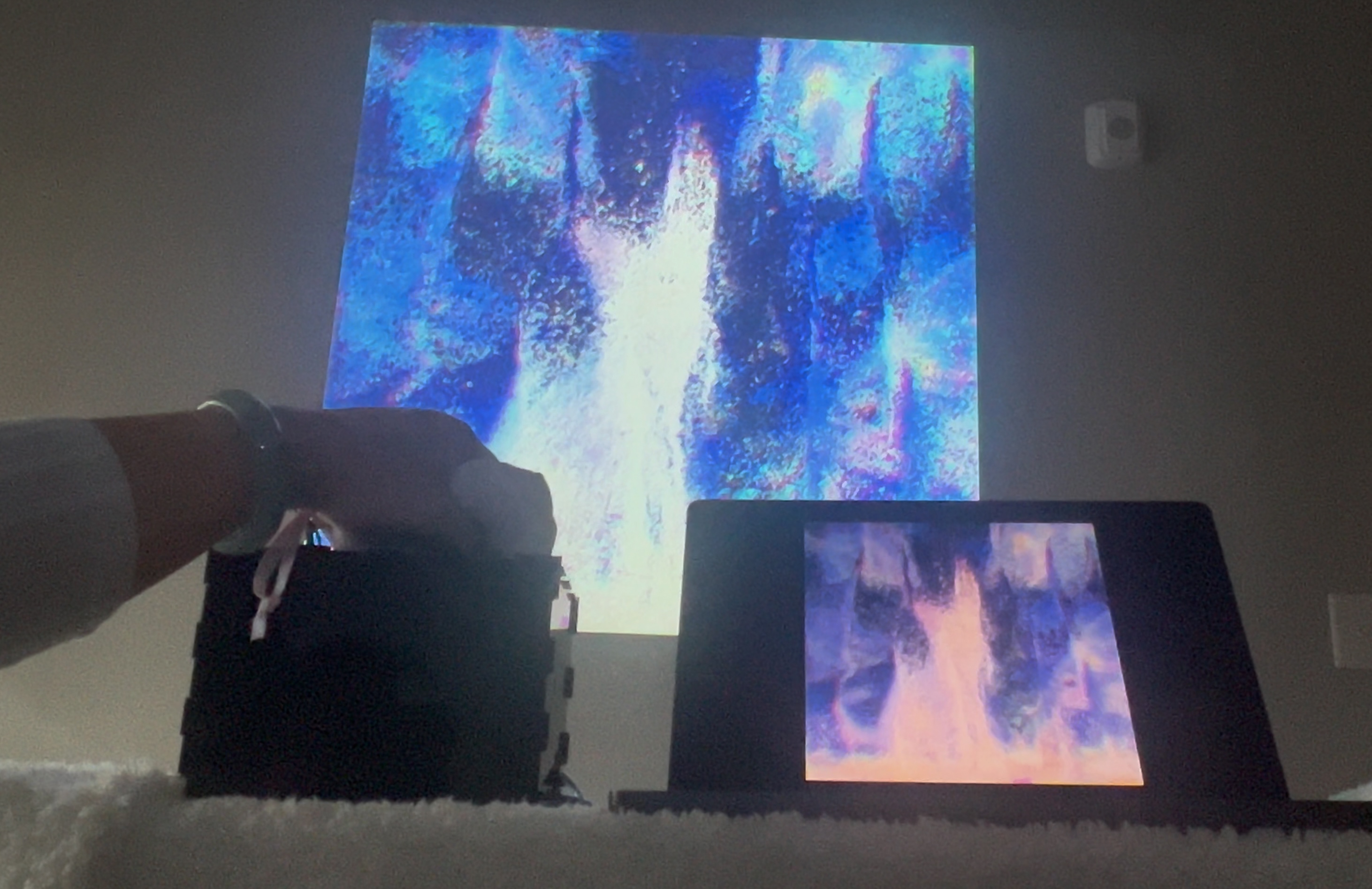
Environmental Projection & Ambient Feedback
06 / What This Project Shows
This project shows my ability to connect physical input with emotional and sensory feedback. It also demonstrates my ability to design beyond screen-based interfaces by working with sensors, real-time visuals, sound, and physical materials.
More importantly, the project shows how a simple physical action can become a meaningful calming experience when it is supported by the right feedback structure.